
For cafés, bars, restaurants and wineries
A week of posts for your venue, from one idea.
Type what’s on this week. Goldroom Studio writes a post for each platform in your venue’s voice. You check them, and we post them.
No card needed to start.
Posts to X · LinkedIn · Instagram · TikTok · Facebook · Threads · YouTube · Pinterest
“Marron’s back from Friday: wood-fired, brown butter, finger lime. Live music Saturday from 7.”
- Fri Instagram Marron season is back. Wood-fired, brown butter, a squeeze of finger lime. From Friday, while they last.
- Fri Facebook Marron’s back on the menu from Friday, cooked over the coals. Stay on Saturday: live music from 7. Book a table.
- Sat Threads Wood-fired marron and a band at 7. Saturday, sorted.
How it works
-
Tell us about your venue
Its name, time zone and how it sounds. It takes a few minutes.
-
Type what’s on
A new dish, a tasting, live music. Studio writes a week of posts, each for its platform.
-
Check your week, then relax
Edit anything, then schedule the week in one go. We connect your social accounts for you, and your posts go out on time.
What you get
A week of posts from one idea
Type what's on — a new dish, a tasting, live music — and get seven posts, each written for its platform.
Reuse what you already have
Turn a video, podcast, article or menu PDF into posts.
Images from your own photos
Offer images, carousels and short videos in your venue’s colours, made from photos you already have.
Sounds like your venue
Set the voice and audience once for each venue, and every post follows it.
Your week on one calendar
See the week at a glance and schedule it in one go, at good times for each platform. Posting to X uses credits, because X charges per post.
Works with AI assistants
Connect an assistant such as Claude, and it can plan and post your week for you.
From your own photos
Offer hero
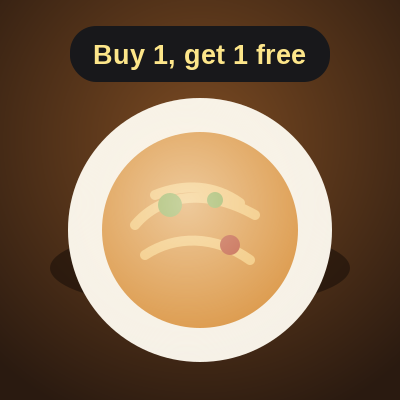
Turn your own photos into one polished offer image, with your offer drawn exactly as you type it. No new photos, nothing to set up. You see the before and after, your originals are kept, and nothing changes on a post until you attach it.

Pricing
Every plan includes the whole app. Credits pay for writing posts, reusing content, feedback, competitor ads and posting to X.
Questions
How do my posts get published?
We connect your Instagram, Facebook and other accounts for you. Ask from inside the app and we’ll email you when they’re connected. After that, scheduled posts go out on their own.
Does anything go out without me?
No. A post goes out only once you schedule it. If you add your team, an owner approves their posts first.
Which platforms can I post to?
X, LinkedIn, Instagram, TikTok, Facebook, Threads, YouTube, Pinterest.
What is a credit?
Credits pay for the AI work: writing posts, reusing content, feedback and images. Posting to X uses credits too, because X charges per post. You see what an action costs before you press it.